Meal plans & grocery lists

Got $50? Let’s make it work.

Tell Grocer what you’ve got to spend. It plans meals that fit it, prices every item at stores near you, and stretches it as far as it honestly goes.

Free for three days, with nothing to set up first.

Screenshot Chat building a priced list 1320 × 2868
Next shopExample
Budget$50.00
5 dinners, 4 lunches for two
Estimated total≈$47.60
Left over$2.40
Estimated from store prices collected near you. Shelf prices change.
What it does

Budget first. Everything else follows.

Most meal planners start with recipes and leave the bill as a surprise. Grocer starts with the number you’ve got, however small, and works backwards.

Starts from what you’ve got

Tell Grocer the number and it treats it as a ceiling, not a target. It reuses ingredients across meals, plans leftovers on purpose, reaches for cheaper staples that still feel like dinner, and tells you exactly what your money covers. If it can’t cover everything, it says so rather than pretending.

Prices from stores near you

Totals are estimated from grocery store prices collected near your ZIP code, and you can pick the store where there’s more than one.

Meals first, then one list

It plans the meals for your household, a few days or a fortnight at a time, then turns every recipe into a single list with quantities that add up.

Doesn’t rebuy your pantry

Salt, oil and the other basics most kitchens already have are left off the list, so the total reflects what you actually need.

Your allergies, every time

Every product is checked against the allergies you give Grocer before it lands on a list. Always read the label too.

Just talk to it

Ask for cheaper dinners, fewer dishes or a meat-free few days. Grocer remembers what you tell it, and you can send a photo of a receipt or your fridge.

Lists you can shop from

Save a list, open it in the store, and tick items off as they go in the cart.

Ideas from households like yours

Discover shows lists other shoppers chose to share, matched on how you eat and what you spend. Shared lists carry no names.

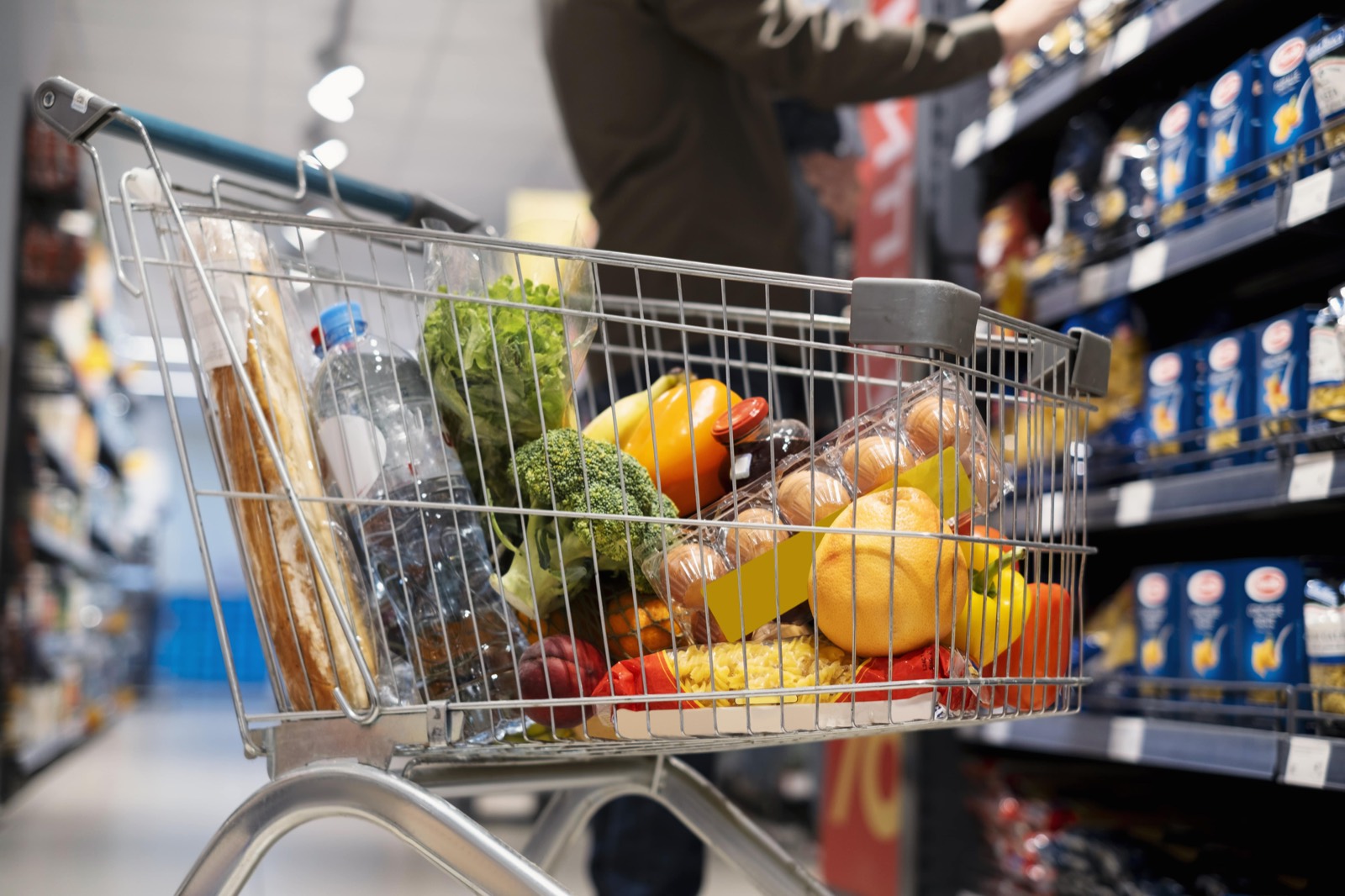
A shopping cart with bread, vegetables, eggs and pasta in a supermarket aisle
Walk in knowing the total. Walk out without the surprise.
A look inside

From “what’s for dinner” to a priced list.

Screenshot 1Onboarding chat1320 × 2868

Tell it what you’ve got

Seven quick steps, starting with the only number that matters: what you’ve got to spend.

Screenshot 2Meal plan in chat1320 × 2868

Get your meals planned

Planned around your diet, your cuisines and your evenings.

Screenshot 3Priced list card1320 × 2868

See the total up front

Every item priced, with the total set against your budget.

Screenshot 4Discover1320 × 2868

Borrow what works

Lists from shoppers with a similar household and budget.

Pricing

Try everything for three days.

No card needed to start. When the trial ends, Grocer Pro keeps the planning going.

Free
$0
  • Every Pro feature for your first three days
  • Your saved lists, for good
  • Lists shared in Discover
Grocer Pro
$X.XX / month
  • Meal plans for your household
  • Lists priced at stores near you
  • Budget fitting and cheaper swaps
  • Unlimited conversation with Grocer

Subscriptions are billed through the App Store or Google Play and renew automatically until you cancel in your store account settings. See the Terms of Service.

Questions

Good to know

What if my budget is really tight?

That’s what Grocer is for. Tell it the number and it plans to it: ingredients that work in more than one meal, leftovers planned in, cheaper staples like eggs, beans, rice and frozen veg. It tells you exactly what your money covers, and if it can’t stretch to everything you asked for, it says what it cut instead of pretending.

Are the prices exact?

No, and Grocer says so everywhere it shows one. Totals are estimates from store prices collected near your ZIP code. Shelf prices change and your store may differ, so treat the total as a close guide rather than a receipt.

Which stores does it use?

Major grocery stores near your ZIP code. Where Grocer has prices from more than one, you can choose which in Settings.

Where does Grocer work?

In the United States. Your ZIP code decides which store prices you see.

How does it handle allergies?

Grocer checks every product against the allergies you give it and leaves out anything that matches. Product data can be incomplete, so always check the label before you buy, especially for severe allergies.

Do you sell my data?

No. Grocer has no ads and no advertising trackers. It measures how the app is used with Google Analytics for Firebase, without advertising identifiers and without anything you type. The Privacy Policy explains exactly what is stored and why.

How do I delete my account?

In the app, open Settings and tap Delete account. More on deleting your account.

How do I cancel Grocer Pro?

Through the store you subscribed with: Settings, then your name, then Subscriptions on iPhone, or Payments & subscriptions in Google Play. Deleting the app does not cancel a subscription.

Tell it what you’ve got. It’ll make it work.

Free for three days. Bring your number, however small.